The Knowledge Graph Revolution: Why Your Brain Needs a Backup
The Knowledge Graph Revolution: Why Your Brain Needs a Backup. Your Knowledge Graph Toolkit: Choosing the Right Foundation.
The Knowledge Graph Revolution: Why Your Brain Needs a Backup
A Personal Knowledge Graph isn't just fancy visualization—it's a fundamental shift in how we capture and connect information. Think of it as mapping the neural pathways of your professional knowledge, where entities (people, projects, concepts) become nodes, and relationships become the connections between them.
Traditional meeting notes create what researchers call "knowledge graveyards"—static documents where critical insights go to die. [4] A knowledge graph, by contrast, creates a living ecosystem where each new meeting transcript adds context to existing knowledge, strengthening connections and revealing new patterns.
The science backs this up. Recent research shows that GraphRAG (Graph Retrieval-Augmented Generation) combined with LLM-based extraction delivers superior retrieval accuracy compared to vector search alone. [5] When you ask your knowledge graph "What were the main concerns about the Q2 product launch?", it doesn't just find documents containing those keywords—it understands the relationships between stakeholders, timelines, and decision points across multiple conversations.
For Nordic professionals navigating egalitarian meeting cultures where insights emerge from collective discussion rather than top-down directives, this contextual understanding becomes even more valuable. Your PKG captures not just what was decided, but how consensus emerged and who contributed key perspectives.
Your Knowledge Graph Toolkit: Choosing the Right Foundation
Building a PKG from meeting transcripts requires the right combination of tools. Here's how the leading platforms stack up for different needs and preferences:
Obsidian remains the gold standard for local-first knowledge management. Its graph view provides intuitive visualization, while plugins like Note Companion enable AI transcription and voice-to-graph workflows. [7] Harper Reed, former CTO of Obama's campaign, describes his setup: "Turning meeting transcripts into an Obsidian knowledge graph using Granola + Claude extracts people/topics for an immaculate life graph." The key advantage? Complete data sovereignty—crucial for GDPR compliance in Nordic markets.
Read AI takes an integrated approach, building personal knowledge graphs that connect meetings, emails, and documents automatically. [2] Positioned as "the only AI assistant that creates a proactive personal knowledge graph," it excels at enterprise environments where seamless integration trumps customization. Their 2026 research shows 80% of managers face pain points in data access for decisions—exactly what Read AI's PKG addresses.
CocoIndex offers the sweet spot for technical users wanting automation without vendor lock-in. [1] This open-source tool creates self-updating Neo4j knowledge graphs from Google Drive meeting notes, using LLM extraction for entities and relationships. The killer feature? Incremental updates without full reprocessing—your graph grows organically with each new transcript.
Neo4j with LLMs provides enterprise-grade graph databases with powerful querying capabilities. [3] While requiring more technical setup, it offers unmatched scalability and the ability to run local LLMs for sensitive data processing.
Building Your Knowledge Graph: A Step-by-Step Guide
Ready to transform your meeting chaos into organized insights? Here's how to build your PKG from AI transcripts:
Step 1: Capture High-Quality Transcripts
Start with accurate, structured transcripts. Tools like Proudfrog excel here, providing speaker identification and multilingual support crucial for Nordic hybrid teams. The key is consistent formatting—your LLM extraction works best with clean, well-structured input.
Pro tip: Enable speaker diarization and timestamp preservation. These metadata elements become valuable graph properties later, helping you track who said what and when patterns emerge over time.
Step 2: Extract Entities and Relationships with LLMs
This is where the magic happens. Modern LLMs like Claude or GPT-4 can identify entities (people, projects, concepts) and relationships (reports to, depends on, conflicts with) from unstructured text with remarkable accuracy.
Here's a sample prompt for entity extraction:
Analyze this meeting transcript and extract:
1. People mentioned (with roles/titles)
2. Projects or initiatives discussed
3. Key decisions made
4. Action items assigned
5. Relationships between these entities

Format as structured triples: [Subject] → [Relationship] → [Object]
The result? Raw transcript becomes structured data: "Sarah → leads → Q2 Launch Project" or "Budget Approval → blocks → Marketing Campaign."
Step 3: Build and Populate Your Graph Database
For Obsidian users, this means creating linked notes with consistent naming conventions and relationship tags. Each person becomes a note, each project gets its own page, and relationships become explicit links.
CocoIndex users can automate this entirely—the tool monitors your Google Drive for new transcripts and automatically updates your Neo4j database. [4] No manual intervention required.
Neo4j power users can write custom Cypher queries to ingest the extracted triples, creating rich graph structures with properties like meeting dates, confidence scores, and source transcripts.
Step 4: Query and Visualize Your Knowledge
This is where your investment pays off. Instead of hunting through dozens of meeting notes, you can ask natural language questions:
- "Who are the key stakeholders for the Helsinki office expansion?"
- "What projects depend on the Q3 budget approval?"
- "When did we last discuss the competitor analysis?"
Advanced users can leverage GraphRAG for semantic search that understands context, not just keywords. Ask about "resource constraints" and it finds discussions about budget limits, staffing shortages, and timeline pressures—even if those exact words weren't used.
Real-World Success Stories: PKGs in Action
The Startup CTO's Command Center: One Nordic startup founder uses CocoIndex to maintain a living graph of investor meetings, team standups, and customer feedback sessions. When preparing for board meetings, she queries relationships between feature requests, resource allocation, and market feedback—surfacing insights that would take hours to compile manually.
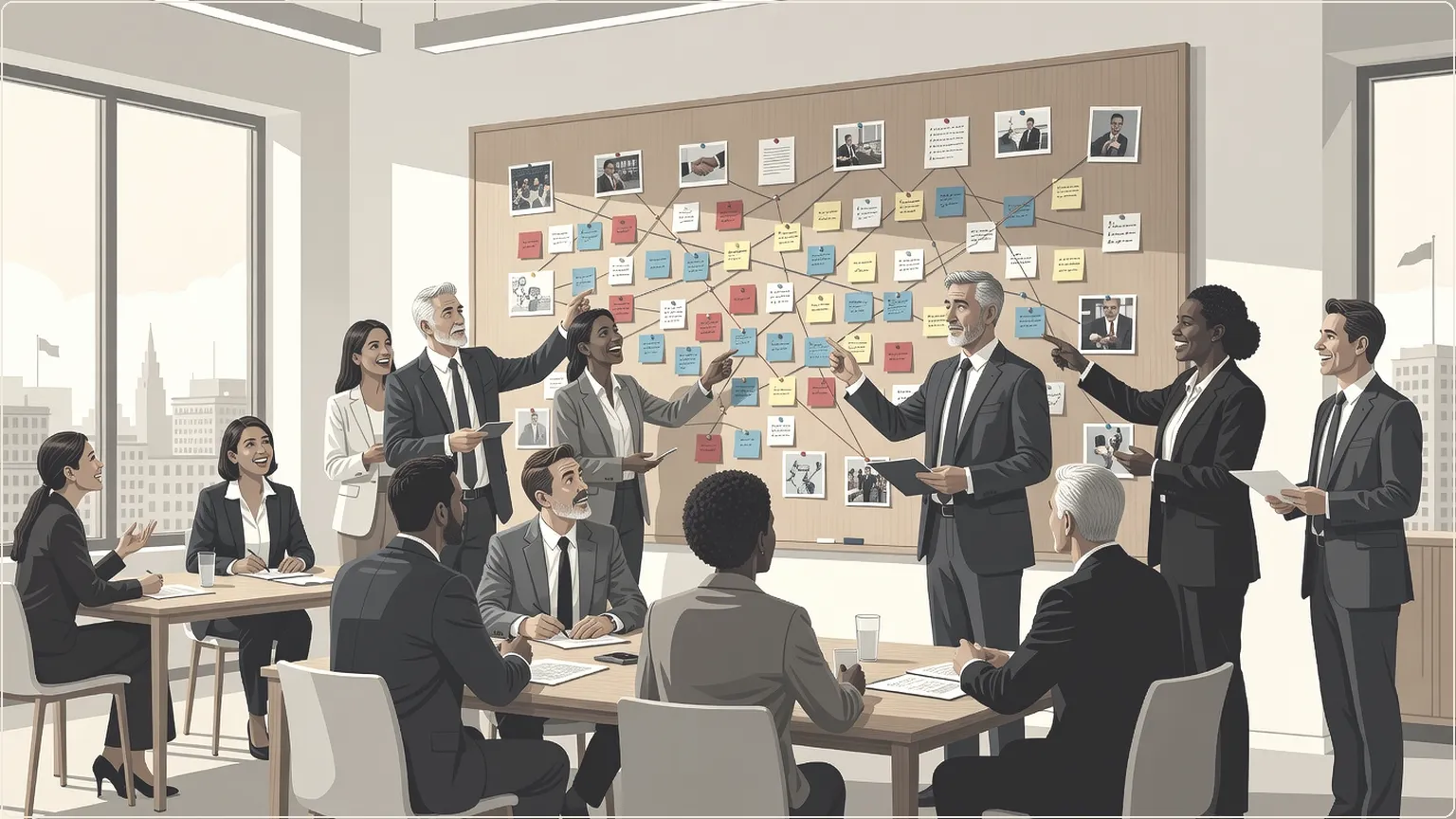
The Consultant's Client Knowledge: A management consultant in Copenhagen built an Obsidian-based PKG tracking client engagements across multiple industries. Each meeting transcript adds context to client relationships, project histories, and solution patterns. The result? Faster proposal writing and deeper client insights that win repeat business.
The Research Team's Collective Brain: A distributed research team uses Neo4j to map connections between literature reviews, stakeholder interviews, and project meetings. Their PKG reveals unexpected connections between user needs and technical constraints, accelerating innovation cycles.
Advanced Techniques: Multilingual and Semantic Enhancement
Nordic professionals often navigate multilingual environments where insights emerge in Finnish, Swedish, Danish, or English within the same meeting. Modern speech-to-text systems handle code-switching gracefully, but your PKG extraction needs language-aware processing.
Consider using multilingual LLMs like Claude or GPT-4 that can extract entities and relationships regardless of source language, then standardize them in your preferred working language. This creates unified graphs where "projektipäällikkö," "projektledare," and "project manager" all map to the same entity type.
Semantic enhancement takes this further. Instead of just capturing that "Sarah mentioned the budget," advanced PKGs can infer sentiment, urgency, and decision confidence. Was the budget discussion optimistic or concerned? Did it represent a firm decision or preliminary thinking? These nuances, captured through LLM analysis, add crucial context to your knowledge graph.
For GDPR compliance, consider local LLM deployment using tools like Ollama or LM Studio. This keeps sensitive meeting data on-premises while still enabling sophisticated entity extraction and relationship mapping.
From Information Overload to Insight Advantage
The transformation from scattered meeting notes to queryable knowledge graphs represents more than technological upgrade—it's a fundamental shift in how we think about organizational memory and collective intelligence.
Your Personal Knowledge Graph becomes your competitive advantage, enabling faster decision-making, deeper pattern recognition, and more strategic thinking. Instead of drowning in information, you're surfing insights.
The tools exist today. The techniques are proven. The only question is whether you'll continue letting critical knowledge disappear into the meeting transcript void—or start building the second brain that amplifies your professional intelligence.
Start small. Pick one tool. Process last week's meeting transcripts. Watch as connections emerge that you never noticed before. Your future self—the one who instantly recalls that crucial insight from three months ago—will thank you.
Sources
- https://cocoindex.io/blogs/meeting-notes-graph
- https://www.read.ai/articles/knowledge-management-tools
- https://neo4j.com/blog/developer/unstructured-text-to-knowledge-graph
- https://towardsai.net/p/machine-learning/building-a-self-updating-knowledge-graph-from-meeting-notes-with-llm-extraction-and-neo4j
- https://arxiv.org/abs/2502.09956
- https://www.read.ai/articles/knowledge-management-strategy
- https://harper.blog/2026/03/11/2026-immaculate-knowledge-graph